How to Use Wayback Machine to Recover Old Websites (2026 Guide)
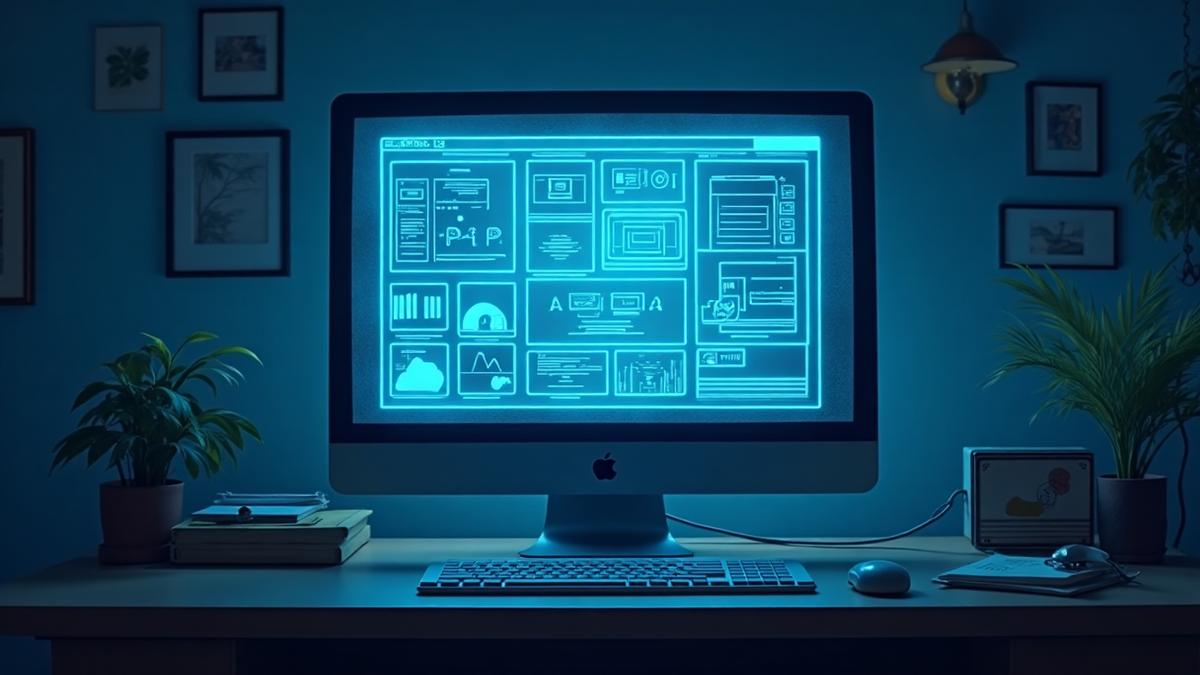
If you need to check an old version of a website or recover pages that disappeared, the Wayback Machine is one of the most powerful tools online. Millions of people worldwide use it to view past website snapshots, restore lost content, or verify changes made to a site. This guide shows you exactly how to use the Wayback Machine in 2026, step by step.
What Is the Wayback Machine?
The Wayback Machine is a free digital archive created by the Internet Archive. It stores snapshots of websites taken over the years, allowing you to see what a website looked like at different points in time. You can use it to recover deleted pages, view old designs, confirm past website statements, research brand history, and retrieve lost content. It is especially useful for business owners, researchers, developers, and students.
How to Check Old Versions of a Website (Step by Step)
Follow these simple steps to see past versions of any website: 1. Visit archive.org/web. 2. Enter the full URL of the website you want to check (example: www.example.com). 3. View the timeline—you will see a calendar showing every year the site was archived. Blue circles mean snapshots are available. 4. Select a year to load the archived calendar view. 5. Choose a specific date—click on a highlighted date and the archived version of the site will load. You can scroll, click links, or capture screenshots.
How to Recover a Deleted Website with Wayback Machine
If a website has disappeared, expired, or was hacked, you may still recover its content. 1. Enter the exact URL of the missing page (example: example.com/about or example.com/blog/how-to-start). 2. Try all available snapshot dates—some pages have multiple versions saved. 3. Copy and save the recovered content—you can rebuild the page on a new website using the content you retrieved. 4. Use the snapshots to restore design elements—this is useful if you want to recreate the previous layout.
What If the Website Has No Snapshots?
If the Wayback Machine doesn't have any saved versions, try entering different URL formats, removing https or www, checking subpages, searching for old links on Google or Bing, and looking through social media posts that contain old URLs. Sometimes the homepage wasn't saved, but subpages were.
Why the Wayback Machine Is Important in 2026
People use it for many reasons: Website recovery after hacking—if your site got wiped, Wayback helps restore content. Legal and business evidence—you can prove what a website contained at a past date. Branding and design research—compare your new website design with older versions. Academic and journalism research—students and media professionals use it to verify digital history. Finding lost blog posts—old tutorials, articles, and resources can still be recovered.
Common Uses for Business Owners
Business owners use the Wayback Machine to restore content from deleted websites, rebuild expired domains, research competitor history, revive lost landing pages, and recover old product descriptions. If you work in a sensitive industry such as oil and gas, finance, or real estate, this tool helps preserve brand consistency.
Limitations of the Wayback Machine
Although powerful, it has a few limits: not every site is archived, some images may not load, some interactive elements may not work, and recent updates may not show immediately. But for pure content recovery, it is extremely reliable.
Need help rebuilding a lost website? If your website crashed, expired, or got hacked, or you want to restore an older version, we can rebuild it professionally. Chat with us on WhatsApp: 09034705853, Instagram: RealWeyinmi, Agency: Real Weyinmi Digital Performance Agency.
Want to apply these strategies to your business?
Start a Project
About the Author
Weyinmi Kenekueyero is the founder of Real Weyinmi, a digital performance agency specializing in strategy, SEO, and ROI growth. With years of experience helping brands transform their online presence, Weyinmi focuses on data-driven design and conversion optimization.
Follow @RealWeyinmiRelated Articles
ROI Design Frameworks Used by Top-Tier Agencies
Design isn't just aesthetics—it's a business tool. These proven frameworks connect design decisions directly to revenue and client retention.
How Much Does a Website Cost in Nigeria 2025? Complete Pricing Guide
Discover exact website pricing in Nigeria for 2025. From cheap website design to ecommerce costs in Lagos, school websites, and web developer prices in Abuja and Port Harcourt.
Best Web Design Company in Nigeria 2025: How to Find the Right Agency
Looking for the best web design company in Nigeria? This guide shows you exactly what to look for, red flags to avoid, and how to choose an agency that delivers results.